
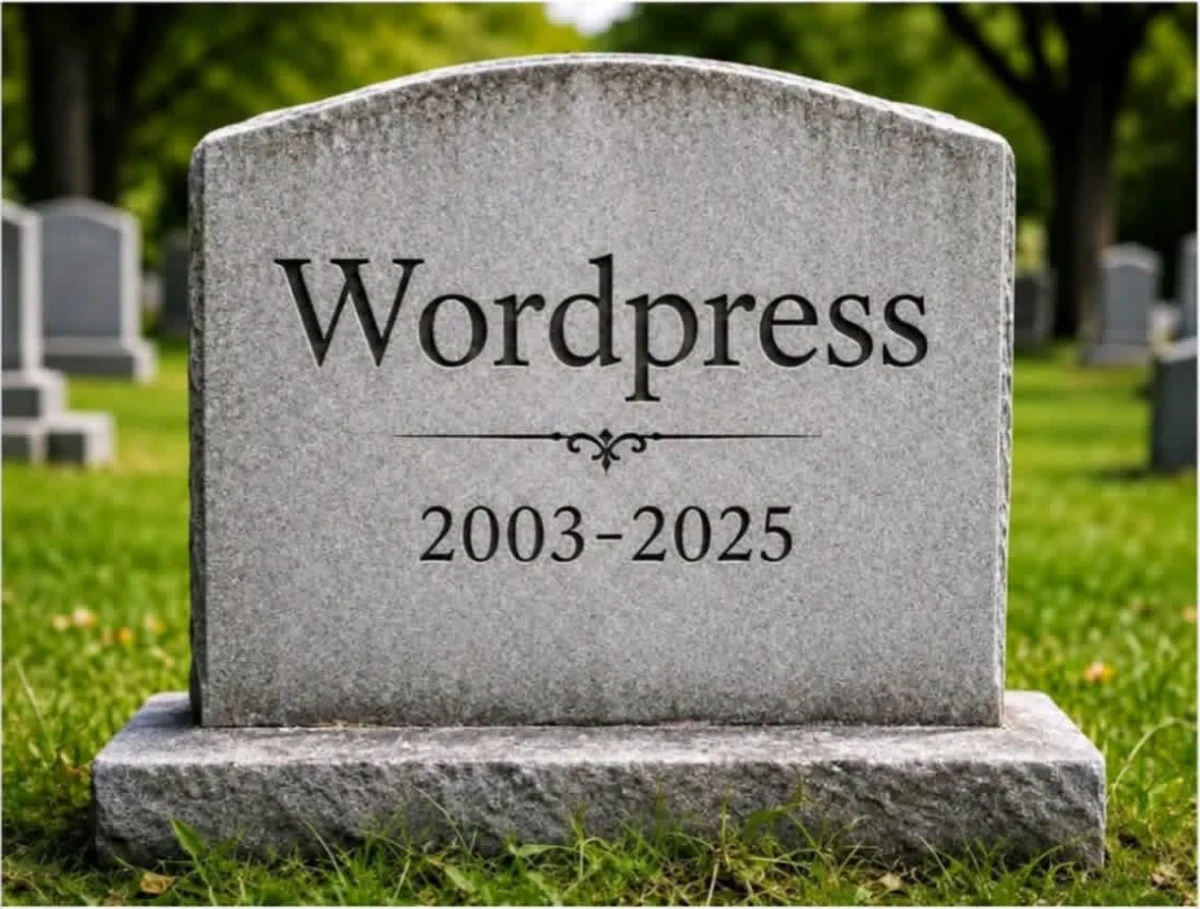
This headstone has been doing the rounds. It is a joke, and like most good jokes it is uncomfortable because it is pointing at something real.
We are not neutral here, so let us be straight about where we stand. We still maintain three dozen live WordPress sites for clients. We patch them, monitor them, and host them, and we will keep doing that for as long as those clients want it. We are not in the business of telling someone their site is worthless.
But we stopped building new sites on WordPress, and we now spend a good deal of our time moving clients off it. This post is the reasoning, with the numbers we used, and the sources so you can check them yourself.
If you are on WordPress right now, this is written for you.
1. The decline is real, and it has been going for four years
WordPress is still the biggest content management system on the web by a wide margin. Anyone telling you it is gone is selling something.
But the share has been falling since 2022, and it is falling faster now than it was.
Peaked at 65.2% in 2022. It has fallen every year since.
Source: W3Techs historical CMS overview, read 3 September 2026.
Just under 59% of sites running a known CMS are on WordPress today, down from a peak of 65.2% four years ago. That is not a collapse. It is a slow leak, and slow leaks matter, because the value of a platform is mostly the ecosystem around it. Plugin developers, theme shops, and agencies follow the market. When the market drifts, the maintenance of the thing you depend on drifts with it.
2. Popularity made it the biggest target on the internet
This is the part that gets waved away as fear-mongering, so here is the actual data rather than an adjective.
2025 alone produced more than the previous two years combined. The 2022 figure is derived from Patchstack's stated 24% year-on-year rise into 2023.
Source: Patchstack, State of WordPress Security 2024, 2025 and 2026.
Eleven thousand new vulnerabilities in a single year. That is not a rounding error on the previous year. 2025 produced more than 2023 and 2024 put together, and high-severity issues more than doubled.
Now, the important part, and the part that matters most if you are deciding what to do about it.
WordPress core itself had six. The risk is not the platform, it is the pile of third-party code every real site has to run on top of it.
Source: Patchstack, State of WordPress Security in 2026.
WordPress core is not the problem. Core is well maintained and has been for years, and six vulnerabilities out of eleven thousand is a genuinely impressive record for software that runs a third of the web.
The problem is structural, and it is this: nobody runs bare WordPress. A real business site runs a page builder, a caching plugin, a forms plugin, a security plugin, an image optimiser, an SEO plugin, a booking or commerce plugin, a theme, and core. That is eight or nine independent vendors on independent release schedules, and your site is the only place on earth where that exact combination is ever assembled and tested.
Every automatic update is an integration test. It runs in production. On your site. Nobody watches it.
3. The attack volume is genuinely hard to picture
Sources: Wordfence 2024 Annual WordPress Security Report; Patchstack 2026.
Two numbers there deserve a second look.
Five hours. That is the median time between a vulnerability becoming public and it being exploited at scale. Not five days. If a flaw is disclosed on a Friday evening, the mass exploitation is under way before most business owners have opened a laptop.
Forty-six percent had no patch at the moment they were disclosed. So for nearly half of them, keeping everything updated would not have saved you, because there was nothing to update to. Diligence is not a defence against a hole with no fix.
And a detail that should give any agency pause: the single most attacked vulnerability of 2024 was in a caching plugin. Not an obscure one. One that ships as standard on a very large number of budget hosting accounts.
4. It is slow, and the slowness is architectural
Every WordPress page view is a program that runs. PHP boots, plugins load, the database is queried, the theme assembles HTML, and only then does anything reach the visitor. Caching plugins exist to paper over exactly this, which tells you the problem is real.
Rather than quote someone else's benchmark, we measured our own book of business. Same tool, same settings, same day, mobile.
The median mobile performance score across our WordPress sites was 58. Across our static sites it was 79. Here is where that difference comes from.
These are different sites with different designs, not one site built twice, so read it as a pattern rather than a controlled experiment. The pattern is consistent: the WordPress sites do more work to show the same page.
Source: Google PageSpeed Insights, mobile, 3 September 2026. 25 live WordPress sites and 34 live static sites from our own portfolio. Medians.
The gap that matters is Largest Contentful Paint: the moment the visitor actually sees the main thing on the page. Ten and a half seconds against four and a bit. Google treats anything over 2.5 seconds as poor, so neither group is winning any prizes, but one of them is more than twice as far from the line as the other.
Look at the request count too. Fifty-one requests against eighteen. That is what a plugin stack costs you: every plugin brings its own stylesheet and its own script, whether or not the page uses it.
We are being fair here and saying it out loud: these are different sites with different designs, not the same site built twice. Some of those WordPress sites are heavy because of what the client wanted, not because of WordPress. But the pattern holds across the whole portfolio, and it points the same direction every time.
5. The bill nobody quotes you
The build price is the part people compare. The part that actually costs money is the next five years.
Renewal prices, not introductory ones. WPForms Pro advertises $159.60 for the first year and renews at $399.
Sources: vendor pricing pages, read 3 September 2026. Single-site licences.
Roughly eleven hundred dollars a year, in licences and hosting, before anyone has written a word of content or made a single design change. And these are renewal prices, which is a distinction the industry is careful not to draw attention to. WPForms advertises $159.60. That is year one. Year two is $399.
Let a licence lapse and the plugin usually keeps working, which feels like a win, right up until you realise that what you actually stopped paying for was the security updates.
What we build instead
Our sites are not programs that run when somebody visits. They are finished files, sitting on Cloudflare's network, close to whoever asked for them. A visitor arrives and the page is already built and already there. Nothing boots, nothing is queried, nothing is assembled.
That one architectural decision takes each of the problems above off the table:
- The vulnerability surface mostly disappears. There is no plugin stack, no admin login on the public site, and no database behind it. The attacks in that 54 billion are overwhelmingly aimed at things our sites do not have.
- Nothing changes unless we change it. No vendor pushes an update to your live site overnight. The site you approved is the site that is serving next year.
- Speed is the default, not a plugin. Serving a finished file from an edge network is simply less work than building a page from a database on every visit. There is no caching layer to configure, and therefore no caching layer to silently break something.
- The licence stack goes away. No page builder subscription, no caching subscription, no security subscription, no forms subscription. Forms post to one service we wrote and maintain across every site we run, with bot protection on by default rather than a checkbox somebody forgot.
We are not claiming static sites are magic. They are a trade. You give up the ability to install any of sixty thousand plugins on a whim, and in exchange nothing installs itself on a whim either. For a business that wants a site that works, ranks, and stops demanding attention, that has been the right trade every time we have made it.
The four things people are actually afraid of
Nobody hesitates because they love their plugin stack. They hesitate because of these.
"I will lose my Google rankings." Be honest with yourself about this one: it is not an irrational fear. It is the single real danger in the whole exercise, and we are not going to tell you otherwise.
Rankings do not attach to your site. They attach to your URLs. Google has spent years associating a specific address with a specific page, and every one of those addresses is an asset you paid for, in time or in money or both. A migration done carelessly changes them, drops them, or lets them quietly 404, and the traffic goes with them. Recovering from that takes months, sometimes longer, and occasionally not at all.
So the question is not whether to be worried. It is who you let do the work. This is the difference between an agency that has done it and an agency that is about to learn on your site.
Before you hand your site to anyone, make them answer these. A team that does this properly will have the answers ready, and will probably be pleased you asked:
- "Will you show me the full URL map before you start building?" Every existing address, matched to where it lands on the new site. If they cannot produce this, they have not looked at your site yet.
- "What happens to the pages you are not rebuilding?" The correct answer is a permanent redirect to the closest equivalent, never the homepage, and never nothing.
- "How will you know afterwards whether it worked?" They should be watching Search Console for crawl errors and coverage drops in the weeks after launch, not just handing you a login and walking away.
- "Can I see a site you did this for, and its traffic before and after?" Ask for the real numbers.
For what it is worth, this is the first thing we map on any migration, before a single design decision gets made, because it is the one part of the job that cannot be fixed afterwards.
"I will lose my content." Every page, every post, every image, every PDF. It gets pulled out of the database and rebuilt. Your old site stays live and untouched the whole time, so there is never a moment where the content only exists in one place.
"I will not be able to update it myself." The honest answer is that the way you update it changes. You email us the change and it ships, usually the same day, with no login to remember and no page builder fighting you over a column width. For most small businesses that turns out to be less work, not more. And where a client genuinely needs to edit daily, we build an editor in. The difference is that it is one surface we control, not a plugin from a vendor who may sell up next year.
"My site does things. Forms, bookings, payments, a shop." Those all still work, and in most cases they get better, because they stop being plugins and start being services built for the job. Forms, payments, and booking are the three we replace most often and the three clients notice the most, because they stop breaking.
What moving actually looks like
- Your current site stays live. Nothing about your existing setup changes while we build. There is no window where you are offline or half-migrated.
- You review the new one on a real URL. Not screenshots. A working site you can click through on your phone and send to whoever else needs to sign off.
- Every URL is mapped before we start. Preserved or redirected, one by one, so the search rankings you paid for stay yours.
- The switch is a DNS change. Minutes, not a weekend. If anything looks wrong, the old site is still sitting right there.
So is WordPress dead?
No. It will not be dead in 2026 either, and if your site is on it, well maintained, fast enough, and doing its job, you do not have a problem and you should not let a meme talk you into a rebuild.
But the trend line has pointed the same way for four years, the vulnerability count is compounding, and the licence bill goes up every renewal. Those are not opinions and you do not have to take our word for any of them. The sources are linked under every chart.
In the meantime, here is a free two-minute test that is worth more than this entire article. Go and submit your own contact form. Use a real email address, write TEST in the message, and then go and check whether it arrived.
We do that on every site we take over. It fails more often than you would believe, and the owner never knows, because a broken form does not look broken. It looks like a quiet month.